
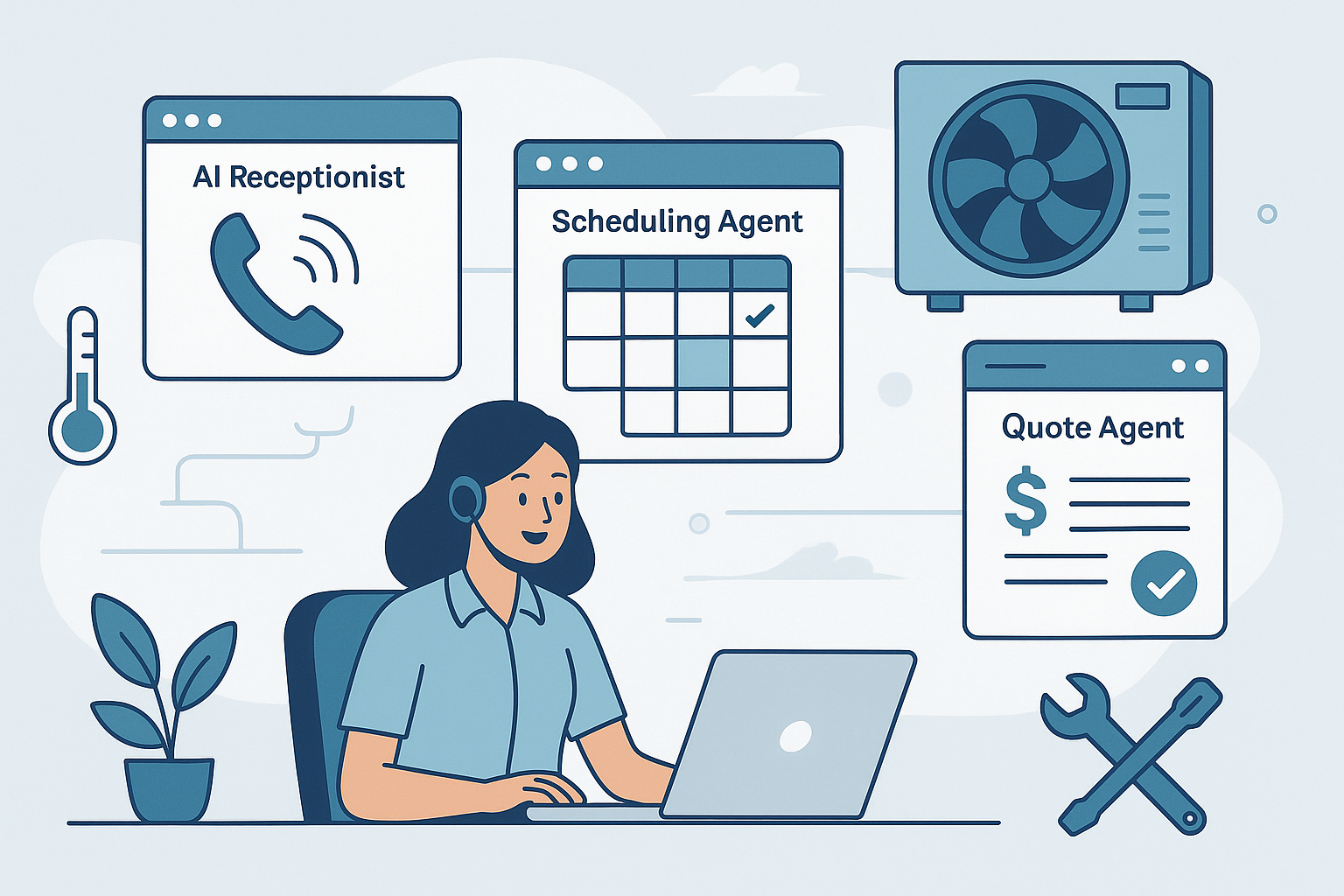
5 AI Tools Every HVAC Business Needs to Close More Jobs
If you run an HVAC company, you know the leaks in the revenue bucket: missed calls, slow quotes, calendar chaos, weak follow-up, and invoices that linger. The answer isn't hiring more office staff—it's the right AI agents working quietly in the background so your team can focus on installs and service calls.
Below are the five AI tools top-performing HVAC contractors use to convert more inquiries into booked jobs with less admin.
Why AI Tools Matter for HVAC Right Now
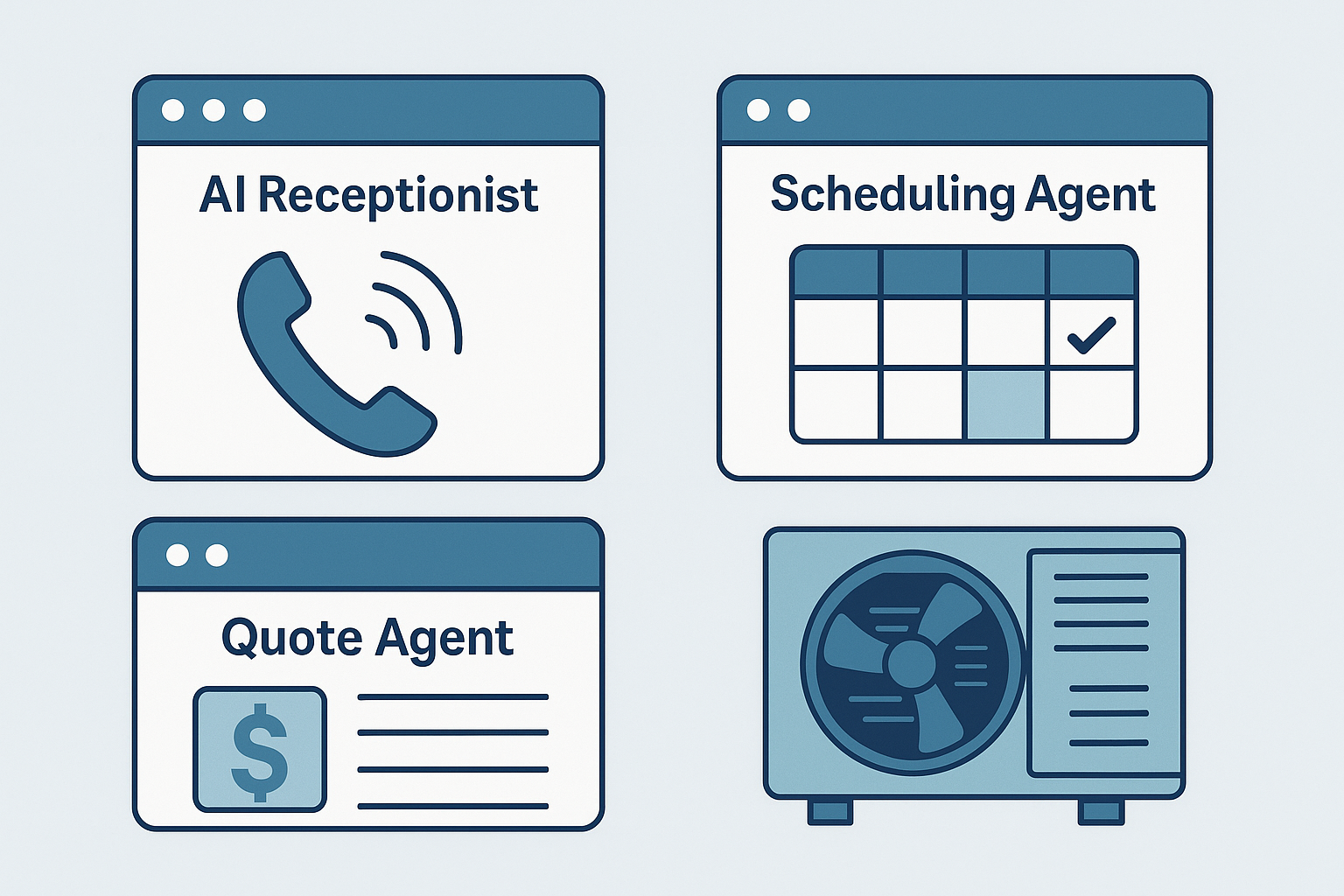
Homeowners expect instant responses, price clarity, and easy scheduling. Meanwhile, you're juggling seasonality, tech availability, and after-hours calls. AI agents bridge that speed-to-service gap by answering, quoting, scheduling, and following up 24/7—without adding payroll. Implemented well, they lift booking rates, shorten time-to-estimate, and keep your board full.
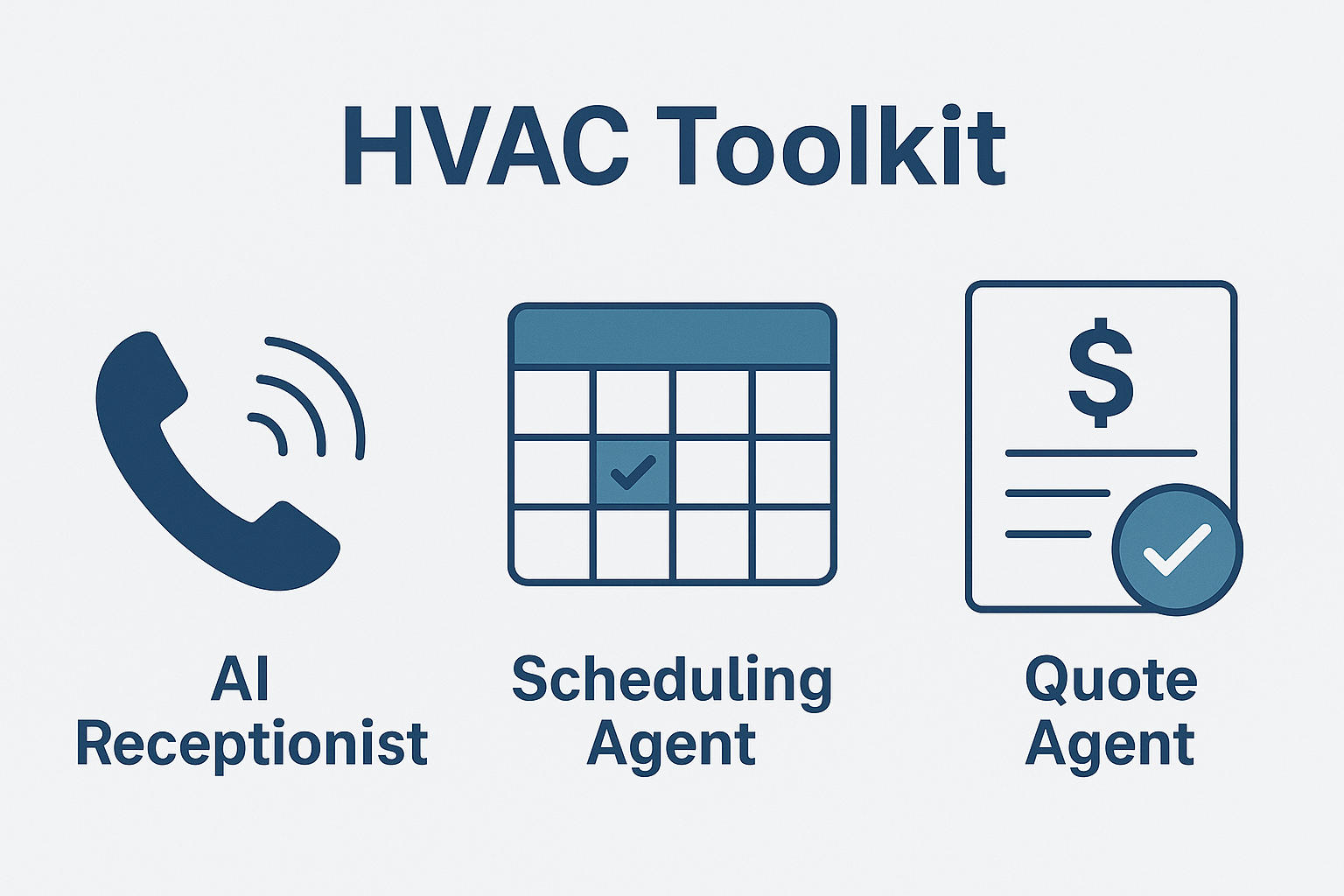
AI Tool #1 — AI Receptionist: Answer Every Call, Book More Jobs
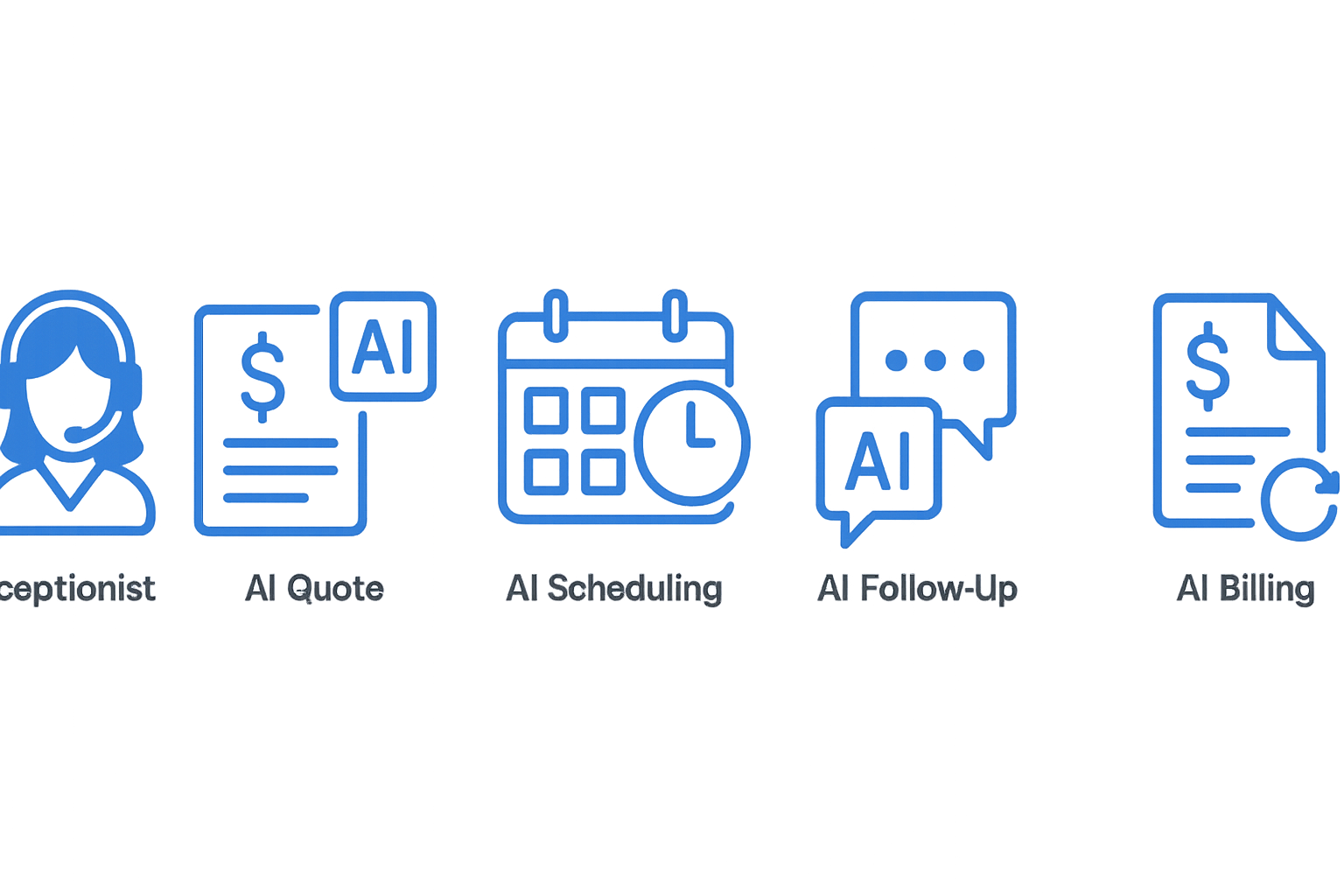
The fastest way to grow bookings is simple: answer every call and text. Our AI Receptionist picks up on the first ring, captures details (address, unit type, symptoms), triages emergencies, and books straight to your calendar. It can also text missed callers back automatically so leads don't bounce to competitors.
Key wins: zero missed calls, instant intake, calendar booking
- 24/7 phone, SMS, and web chat coverage
- Intake that auto-writes to your CRM
- Emergency routing rules (e.g., no-cool/elderly priority)
- After-hours booking—no voicemail required

Pro tip: Start here. Most HVAC teams see an immediate lift when no calls slip through.
AI Tool #2 — Quote Agent: Fast, Accurate, Pre-Qualified Estimates
Slow or vague estimates kill momentum. The Quote Agent creates accurate, branded estimates in minutes, asking clarifying questions, attaching good/better/best options, and enabling deposits or e-signatures. For replacements, it can pre-qualify financing and apply promos automatically.
Key wins: price clarity, faster approvals, fewer tire-kickers
- Structured discovery prevents callback ping-pong
- Price ranges or firm quotes from your playbooks
- One-click approvals and deposit capture
- Automated reminders so estimates don't stall
AI Tool #3 — Scheduling Agent: Intelligent Dispatch Without Back-and-Forth
Stop the back-and-forth and keep your board full. The Scheduling Agent places jobs based on tech skills, certifications, truck location, and job duration, then rebalances the day when emergencies pop up and clusters nearby jobs to reduce windshield time.
Key wins: optimized routes, tighter windows, fewer no-shows
- Auto-assigns the right tech the first time
- Automated reminders that cut no-shows
- Real-time updates when a job runs long
- Time windows customers actually appreciate
AI Tool #4 — Follow-Up Agent: Turn "Not Yet" Into "Booked"
Most "no's" are really "not yet." The Follow-Up Agent nurtures quotes and unscheduled inspections across SMS, email, and voice, sending maintenance plan offers, seasonal promos, and "last chance before heat wave" nudges. When customers reply, it books the job or loops a human in instantly.
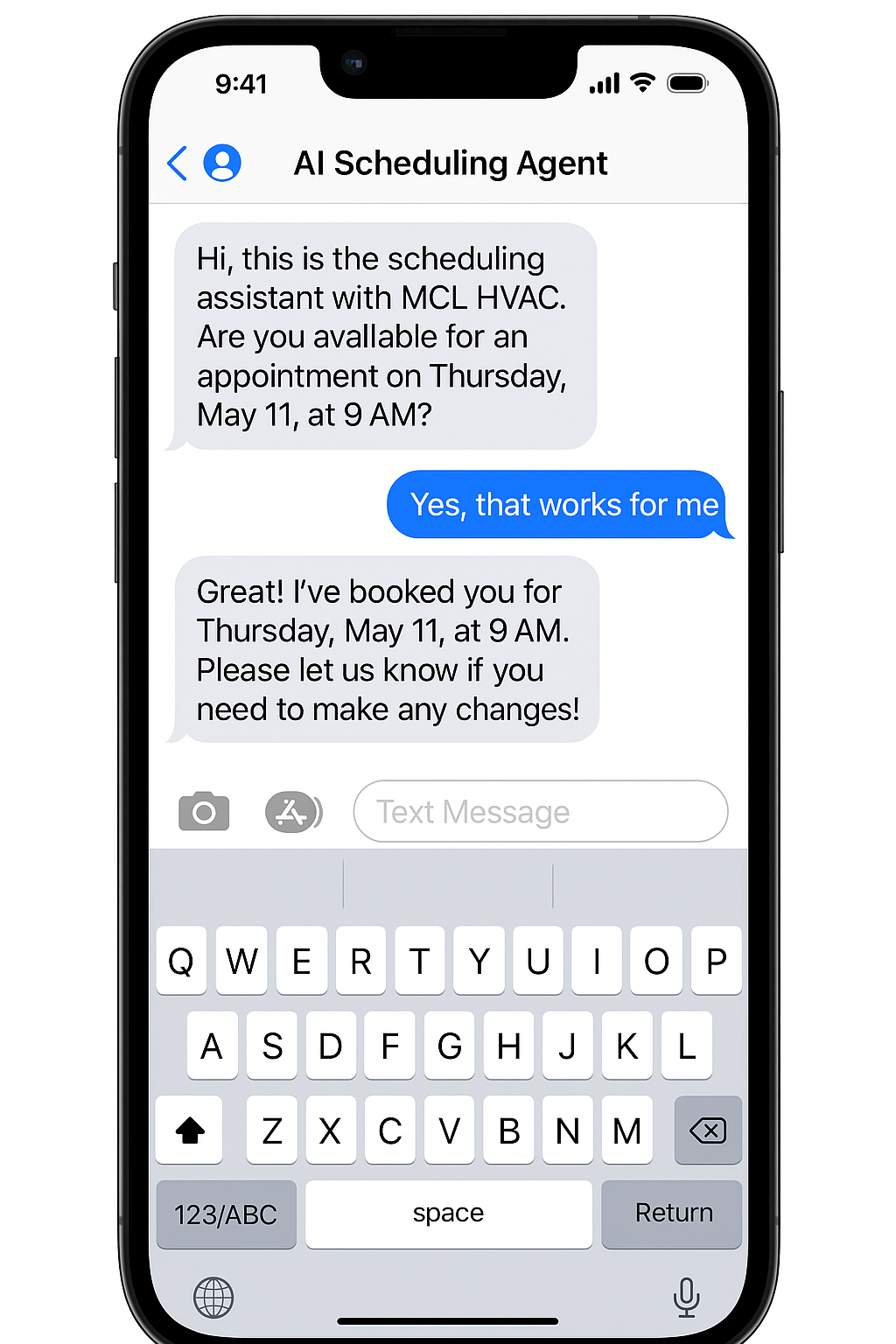
Key wins: multi-channel nurture, abandoned quotes recovery
- Personalized sequences by job type and value
- Smart cadences pause if the customer replies or books
- Cross-sell add-ons (IAQ, smart thermostats, duct sealing)
- Maintenance agreement invites at the right moment
AI Tool #5 — Billing & Collections Agent: Get Paid Faster
You finished the job, now get paid quickly. The Billing & Collections Agent sends invoices the moment the job closes, nudges for deposits, and follows up on past-due accounts with friendly, professional reminders. It can offer payment plans and push receipts straight to accounting.
Key wins: automated reminders, deposits, job-close invoicing
- Fewer "forgot to send the invoice" delays
- Card, ACH, or financing links embedded
- Gentle, escalating reminders that preserve relationships
- Clean handoff to QuickBooks or your FSM
How to Roll Out AI in Your HVAC Company (Without Disruption)
- Pick one bottleneck. Most start with AI Receptionist or Follow-Up.
- Connect your stack. Calendar, CRM/FSM, phone/SMS, payments.
- Codify your rules. Emergency triage, warranty checks, service areas, price bands.
- Shadow then hand off. Let agents draft; your team reviews week one.
- Measure weekly. Bookings, quote turnaround, schedule utilization, DSO.
What Success Looks Like in 30–60 Days
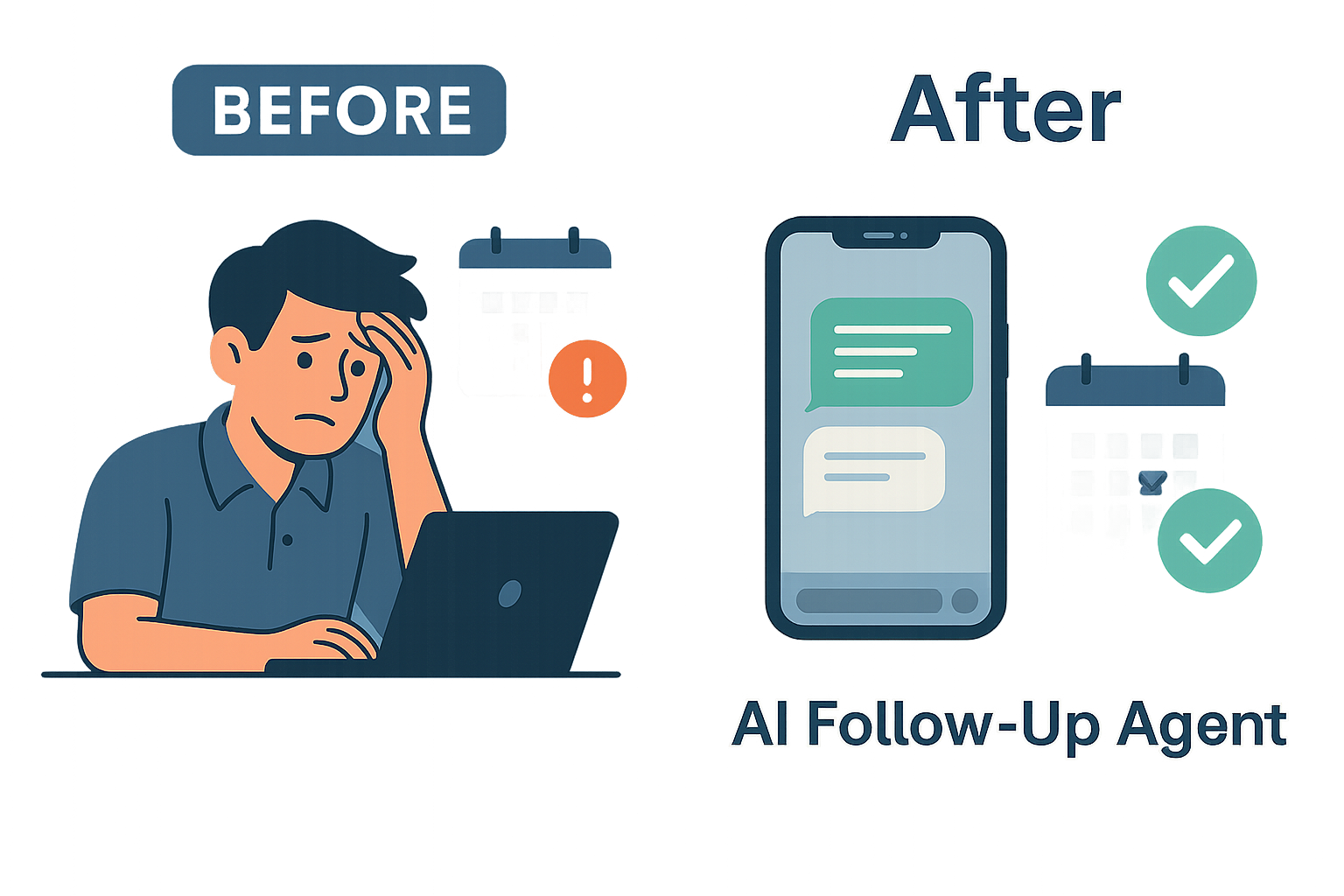
- ✓Higher booking rate from answered calls & instant callbacks
- ✓Faster quotes; fewer "just checking status" messages
- ✓Cleaner schedules with better first-time-fix odds
- ✓More won jobs thanks to consistent, helpful follow-up
- ✓Lower DSO and steadier cash flow via automated billing
Take the Next Step
Start with the one agent that fixes your biggest leak. For many HVAC owners, that's the AI Receptionist to win the phones—followed by Follow-Up to rescue open quotes—then Scheduling and Billing to lock in operational efficiency.
Ready to plug the leaks in your HVAC revenue bucket?
Related Resources
HVAC Industry Solutions
Complete AI automation suite for HVAC contractors
